

If you have children you would know the joy of dressing them up in the cutest outfits when they are little, especially on special occasions. Keeping this in mind, it’s no surprise that moms are looking forward to getting those cute family keep-sake photos this festive season. Everyone loves personalised items so for this reason knowing my fellow designers, I’ve set up this very easy-to-use Christmas onesie mockup template for digital template designs and surface pattern designers to use and showcase their work. The Christmas mockup is easy and versatile to use I’ve added more detail on how to edit it in a photoshop smart object at the bottom of this post.

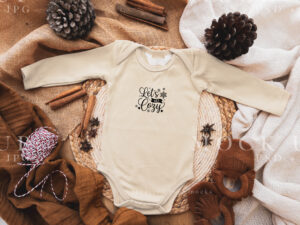
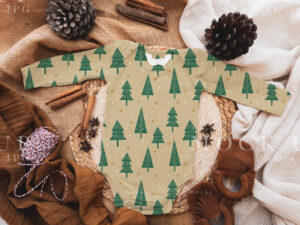
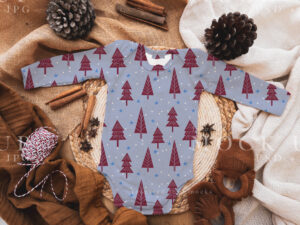
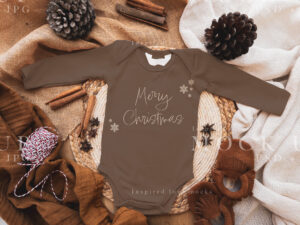
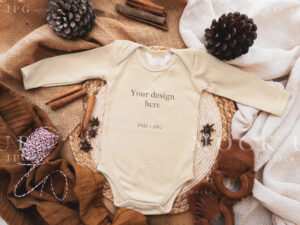
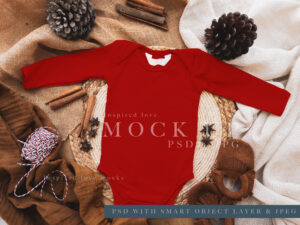
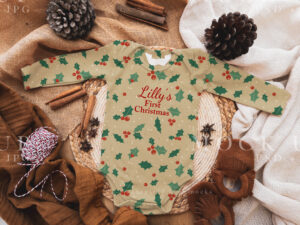
This video shows the photoshop file layers with the smart objects and how easy it is to place a design or surface pattern design in the mock-up.
It really is that simple to update my mockups, but if you need any help please feel free to email me and I will always help guide you through using photoshop mockups.
HOW IT WORKS:
Mockups are images that allow you to place your design on them digitally. You can digitally add your design into a mockup image. By using mockups you can immediately upload your design and start selling your product.
HOW TO USE PSD Photoshop File
1. Open Photoshop file (requires Photoshop and knowledge of PS).
2. Double-click on the smart object.
3. Copy and Paste your design into the Smart Object Template.
4. Save Smart Object Template.
5. Your design will show up in the mock-up PSD.
6. Save your file as a JPEG to use in your online store.
HOW TO USE JPG File
1. Use as you need, in any design software.
Let me know if you find this sort of digital resource helpful. Remember to sign up for my newsletter to receive monthly updates, some freebies, and image resources you can use to market your own Etsy products.